Scan once. Check everyone.
Point your phone at a barcode. NibbleCheck checks the ingredients against each person in your family, and shows you the words that matched.
Free. iPhone now, Android soon. In the App Store and Google Play later.
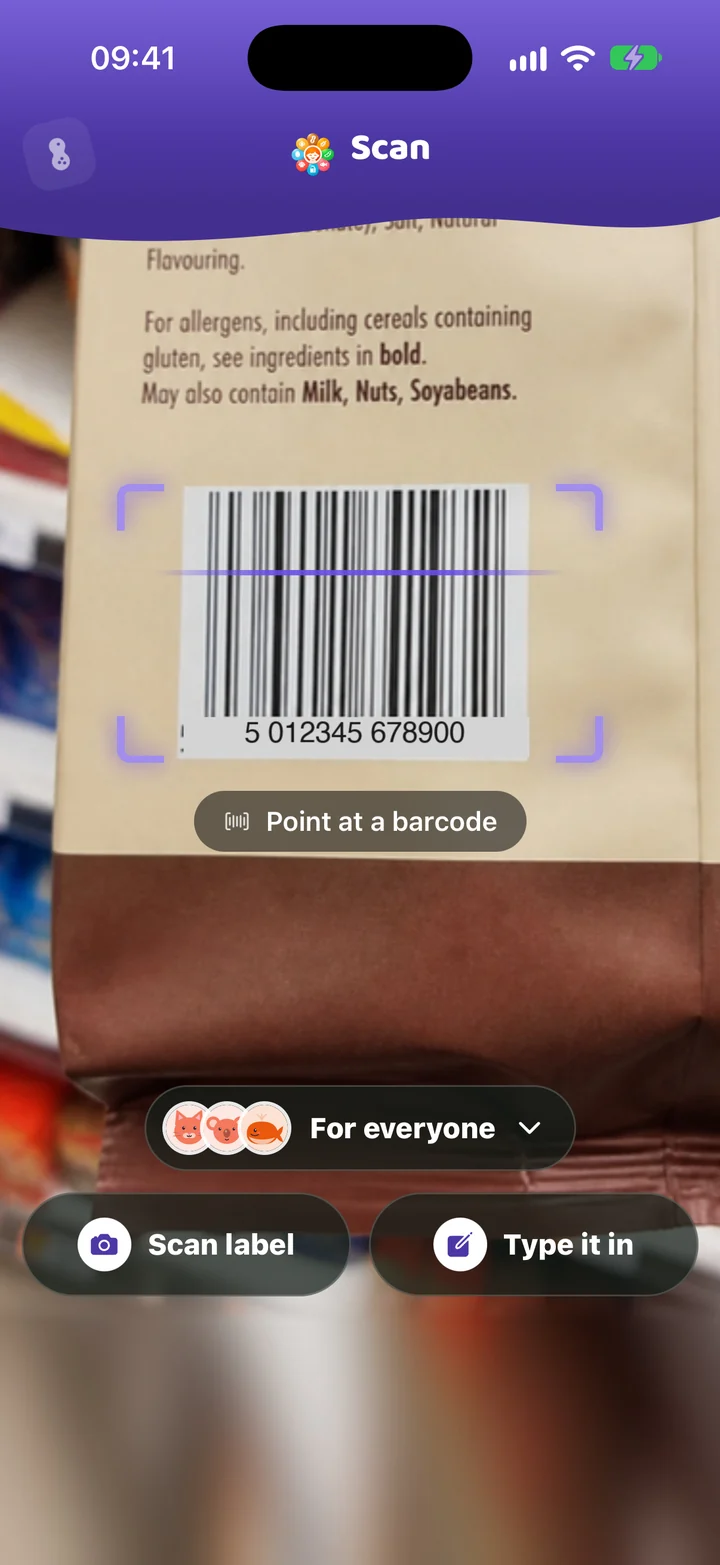
Set it up once. Then one scan checks everyone.
- Add the people you shop forTick each person's allergens. Children, teenagers, grown-ups, a grandparent.
- Scan a barcodeNo barcode, or nothing on file? Photograph the ingredients label instead.
- Each person gets their own answerWith the word on the label that matched, so you can see why.
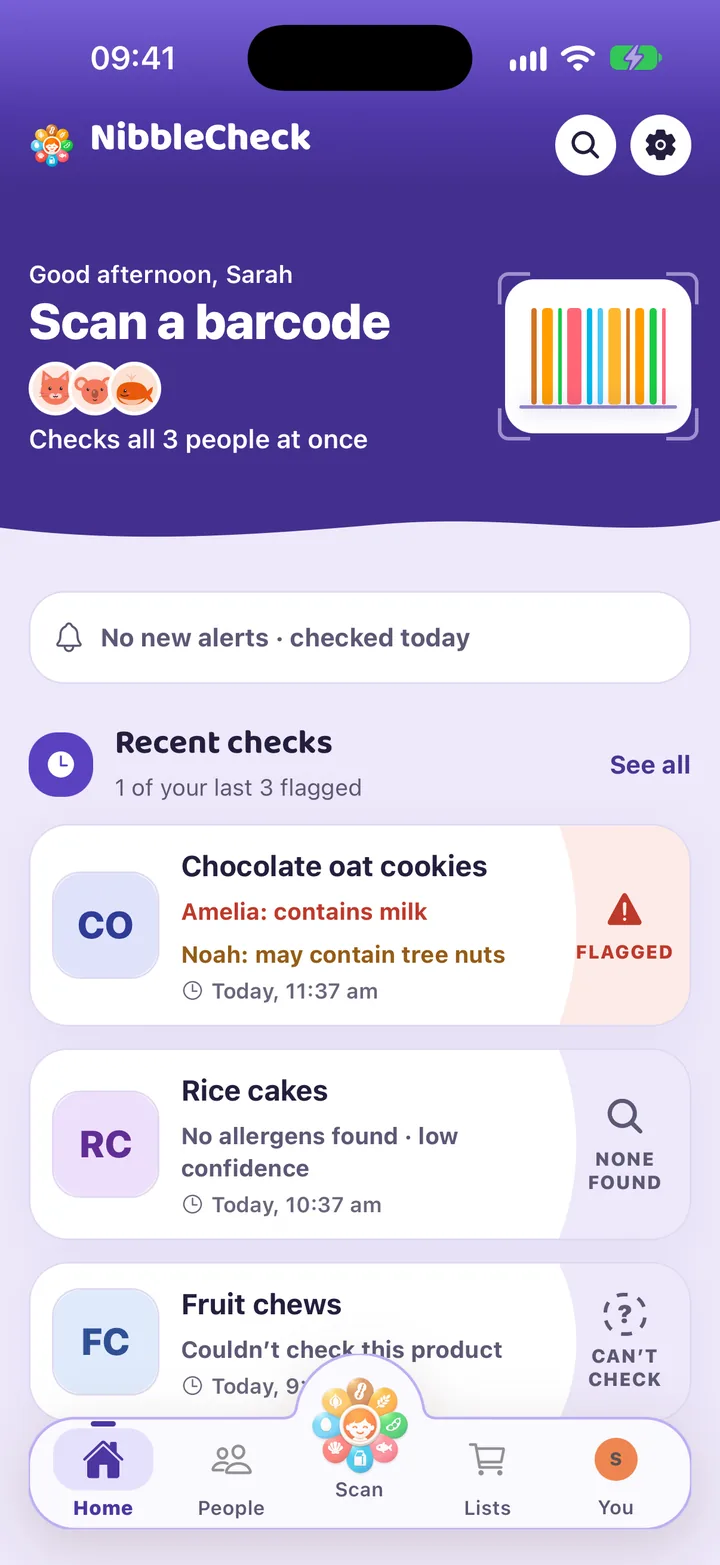
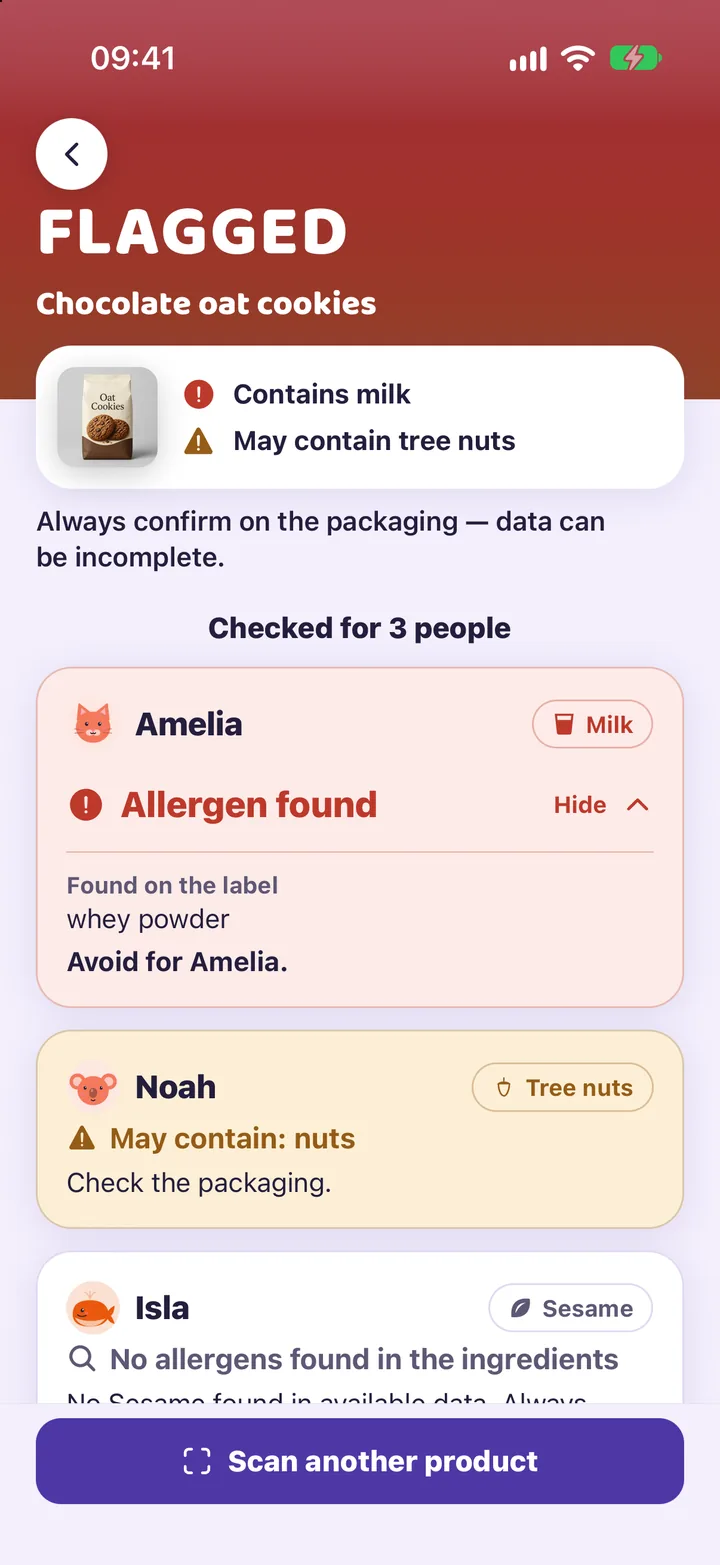
Four answers, in the app's own words.
- FLAGGEDOne of their allergens is in the ingredients.
- CHECK LABELA "may contain" warning for one of theirs.
- NONE FOUNDNone of theirs in the ingredients. Still check the pack.
- CAN'T CHECKNo ingredients on file, so no guess.
Try it on this packet.
Tap a child, or pick your family’s allergens, and see what the app would tell you.
Who are you checking for?
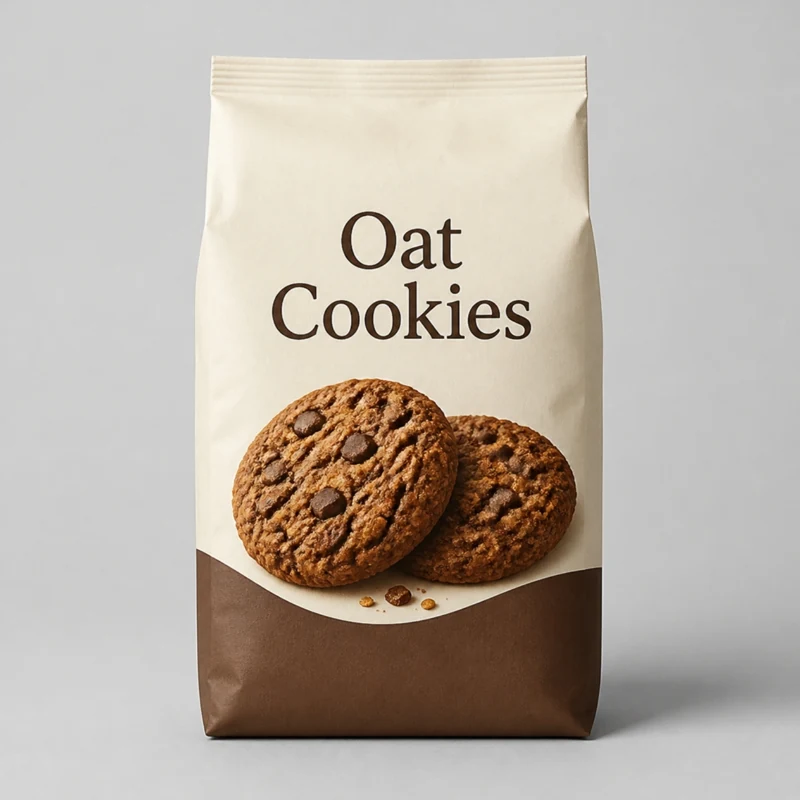
INGREDIENTS:
Oat flakes (35%), wheat flour, sugar, palm oil, cocoa powder (6%), whey powder, soya lecithin, raising agent: sodium bicarbonate, salt. May contain nuts.
Or try your family’s allergens
What the app says
 Amelia
Allergen found
Found on the label: whey powder. Avoid for Amelia.
 Noah
May contain: nuts
Warning on the label.
 Isla
No allergens found in the ingredients
No Sesame found in available data. Always check the packaging.
Always check the packaging. The label is the final word.
Labels have their own words for things.
- wheyismilk
- caseinismilk
- albumenisegg
- semolinaiswheat
- speltiswheat
- tahiniissesame
- surimiisfish
- arachis oilispeanut
- tofuissoya
NibbleCheck looks for the other names too. It tracks 28 allergens, including ones UK labels don’t have to call out, like pea protein and coconut.
Everyone who feeds them, on the same page.
- Share with whoever's feeding themGrandparents, childminders and the other parent see the same people and get the same answer.
- Food alerts that matter to youAllergy recalls from the Food Standards Agency, and which ones match your family or something you've scanned.
- Shopping lists that check as you goScan from the list in the shop.
It started with one jar and two children.
One reacts to pea protein, which UK labels don't have to call out. The other reacts to milk, wheat and egg. Every jar meant reading the same small print twice. NibbleCheck does that reading for everyone at once. Why we built it.
Questions parents ask
What if the product isn’t in your database?
Photograph the ingredients label and NibbleCheck reads it, or type the ingredients in yourself. Either way you get the same answer for each person. You can also send the label in for review, and once it’s been checked it answers everyone who scans that barcode.
Does it work in a shop with no signal?
For anything you’ve scanned before, yes. The answer is kept on your phone and the matching happens on the device. A product you’ve never scanned needs a connection to look up. An old saved answer tells you how old it is, so you know what you’re looking at.
Is it free?
It will be free when it launches. We may charge for some things later, but not for these: anyone’s allergy result, typing in ingredients by hand, and food-recall alerts stay free permanently.
Can it tell me a food is safe for my family?
No, and it never will. A label tells you what’s in the recipe. It can’t tell you what else was made on that line, or what was made there an hour earlier. NibbleCheck tells you what it found, what it couldn’t check and how sure it is, and then you check the packaging. That last step never goes away.
What about “may contain” warnings?
Kept, always, and never quietly downgraded. If a label carries a warning for one of your family’s allergens you’ll see it, even when nothing was found in the ingredients themselves.
What happens to my family’s data?
There is no analytics, no advertising and no tracking in the app, and nothing is sold or shared. The privacy policy says exactly what’s kept and for how long, and deleting your account really deletes it.
Try it before launch.
Join the beta and use it on your own shopping. Know a family who reads every label twice? Send them this page.
Free. iPhone now, Android soon. Tell us what's confusing or broken.